Built for Speed and Simplicity
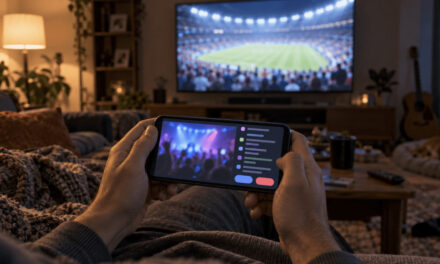
Seedance 2.0 feels like having a small video crew on demand for your home décor brand. Instead of juggling multiple tools for animation, sound, and editing, you can turn simple prompts and references into polished clips in minutes. For interior designers, furniture stores, and home styling blogs that need a steady stream of fresh visuals, this speed changes how campaigns and content calendars are planned.
How the Model Works
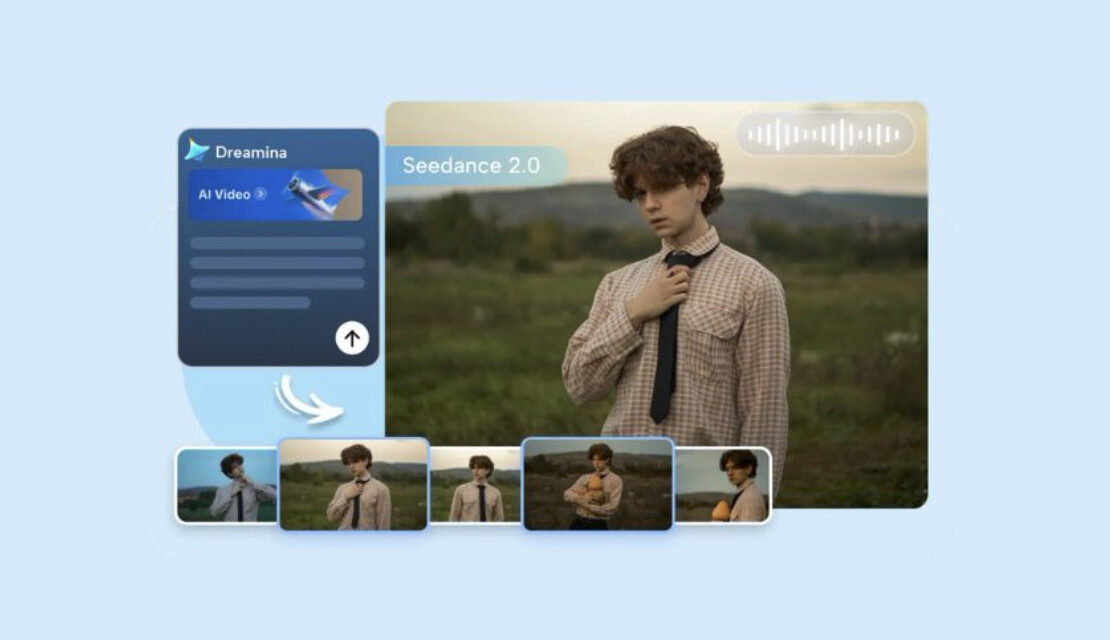
Under the hood, Seedance 2.0 treats video and audio as one creative problem instead of two separate tasks. You describe a room scene, drop in a few reference images of sofas, lighting, or textures, and the model generates motion, lighting, and sound that feel like they belong together.
The result is less “random AI clip” and more “intentional shot” of a styled space. Camera moves can highlight a statement lamp, a textured rug, or a gallery wall, while ambient sound reinforces the room’s mood. For teams used to mismatched assets, this coherence is a relief. That backdrop matters as much as the props in frame, and creators building a cozy, print-heavy set often reach for vintage floral wallpaper in peel-and-stick panels so the wall itself does some of the styling work before a single lamp or rug is placed.
Ideal Clip Length and Formats
Seedance 2.0 is built for the kind of content that actually performs on social platforms for home décor. Most generations fall between 4 and 15 seconds, which is perfect for room-reveal hooks, product teases, quick styling tips, and ad variations.
You can use these clips as standalone posts or as building blocks for longer reels and stories showing full room tours. Because each generation is fast, you can test multiple angles, color palettes, and styling ideas in a single session and keep only the strongest concepts.
Aspect Ratios and Resolution
One of the practical wins is format flexibility. Seedance 2.0 supports common aspect ratios like 16:9, 9:16, 21:9, and 1:1, plus an adaptive mode that follows your reference images. Outputs are typically 1080p, with some tiers offering up to 2K‑class frames for sharper detail.
This matters when you’re running omnichannel campaigns for a furniture launch or seasonal collection. You can generate one room concept and export variants optimized for YouTube, Instagram, TikTok, Pinterest, and display ads without redesigning the entire scene. The adaptive mode is especially handy when your brand already has key product visuals in specific dimensions.
Creative Control Without Complexity
Seedance 2.0 gives you enough control to steer the output without needing a technical background. You can upload several reference images to lock in sofa styles, wood finishes, fabric textures, or brand colors, and the model works to keep those elements consistent.
Camera motion tools let you suggest pans across a living room, tilts up to a statement chandelier, push‑ins on a coffee table styling, and orbits around a dining set, while the system handles the in‑between frames and physics. This balance lets copywriters, interior designers, and marketers all contribute to visual ideation without bottlenecks.
Native Audio and Multilingual Support
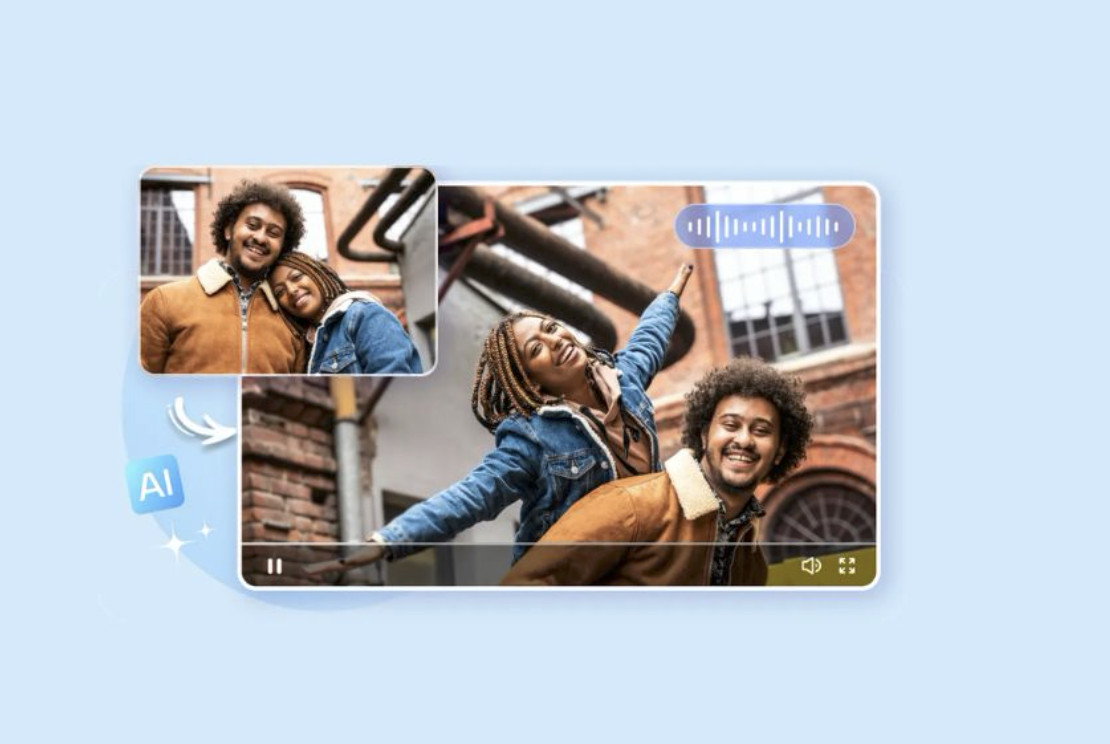
Audio isn’t an afterthought here. Seedance 2.5 can generate fitting soundscapes like soft ambient music, subtle room tone, or align to a reference track, giving you a usable draft soundtrack early in the process. Multilingual phoneme‑level lip sync also helps global home décor brands localize voice‑overs for room tours and styling tips without the awkward mismatch between speech and mouth movement.
For teams working across regions, this reduces the friction of creating separate versions for each language. You can keep the same room visual and swap audio tracks while maintaining believable lip movement for presenter‑led content.
Rapid Iteration for Campaigns
The real superpower is iteration. You can explore dozens of room concepts, color schemes, and styling ideas around a single collection in an afternoon, then refine the best directions with tighter prompts and references.
If you’re starting to experiment with this ecosystem for the first time, you could use Dreamina to explore how Seedance 2.0 handles different prompt styles, lighting scenarios, and brand palettes without committing to a full video production pipeline. This lowers the barrier for testing AI video as part of your regular home décor content mix.
Limits to Keep in Mind
Of course, there are trade‑offs. The 15‑second length ceiling forces tight scripting and storyboarding, so complex room narratives must be hinted at rather than fully unpacked. When small details go wrong, the usual fix is to regenerate, since fine‑grained region editing is not part of the 2.0 toolset.
If a logo appears slightly off on a cushion or a vase morphs mid‑shot, you typically adjust your prompt or references and run another generation. This is acceptable for fast social content but can be costly for high‑stakes brand films.
Where Seedance 2.0 Still Shines
Even with these limits, Seedance 2.0 remains a practical entry point for home décor creators. Its free or low‑cost access tiers, lack of watermarks on many platforms, and gentle learning curve make it a widely adopted “first serious step” into AI video for agencies and solo creators alike.
For workflows built around speed, experimentation, and cross‑channel repurposing, Seedance 2.0 offers a flexible foundation before you graduate to longer or more surgically editable models. It’s the model you reach for when you need volume, variety, and velocity for room reveals, product highlights, and styling tips without sacrificing basic production quality.